
Glass Garden with faint strings and pale reflections
03:21CalmAmbientSerene

Song Art AI is an AI music generator for a melody in your head, a lyric in your notebook, or a video missing the right sound. Describe the mood, write the words, or choose instrumental mode, then turn the idea into downloadable audio.
Listen to Song Art AI examples made with an AI music generator. Each track starts with a direction and becomes a complete arrangement with melody, rhythm, instruments, and vocal or instrumental detail. Press play, then try your own. The examples show how the tool can sound across different moods and formats.





Use a quick description when you want to move fast, or add lyrics, style, vocal direction, and instrumental settings when the details matter. Start broad, then add detail only where it changes the sound you want.
A relaxed acoustic track for a morning coffee shop scene — gentle guitar, brushed drums, soft piano, and a hopeful lift in the chorus.
WHY CREATORS USE SONG ART AI
Song Art AI gives you a clear path from rough idea to track: describe it, listen, revise, and choose the version that fits. Use the AI music generator for a practical sketch, background track, or starting point for a song.
When you need AI music generator audio for a video, podcast, game, or demo, context matters. Play a complete idea beside your edit and judge its pacing and instrumentation.
Use an AI music generator with lyrics when words and vocal phrasing matter. Choose instrumental mode for background beds, game loops, study music, and transitions.
Generate several directions, compare the groove and tone, then adjust the prompt or settings. Early drafts keep decisions moving.
Try the AI music generator free tier to test a prompt and create initial tracks. Paid plans add credits and production options based on how often you generate.
The AI music generator keeps the workflow simple: describe, choose, listen, and keep the version that helps. It works for a quick sketch or a more deliberate song brief, without asking you to learn a new production setup first.
Start with description mode for a quick draft, or open custom mode when you already have lyrics, a title, a genre, or a clear instrumental direction.
Tell the AI music generator the mood, audience, setting, pace, and instruments. Specific context beats a list of genre names.
The model composes melody, rhythm, arrangement, and vocal or instrumental performance. Treat the first result as a draft and compare options.
Preview your tracks, save the strongest idea, and download the available format. Check your plan and current terms before publishing.
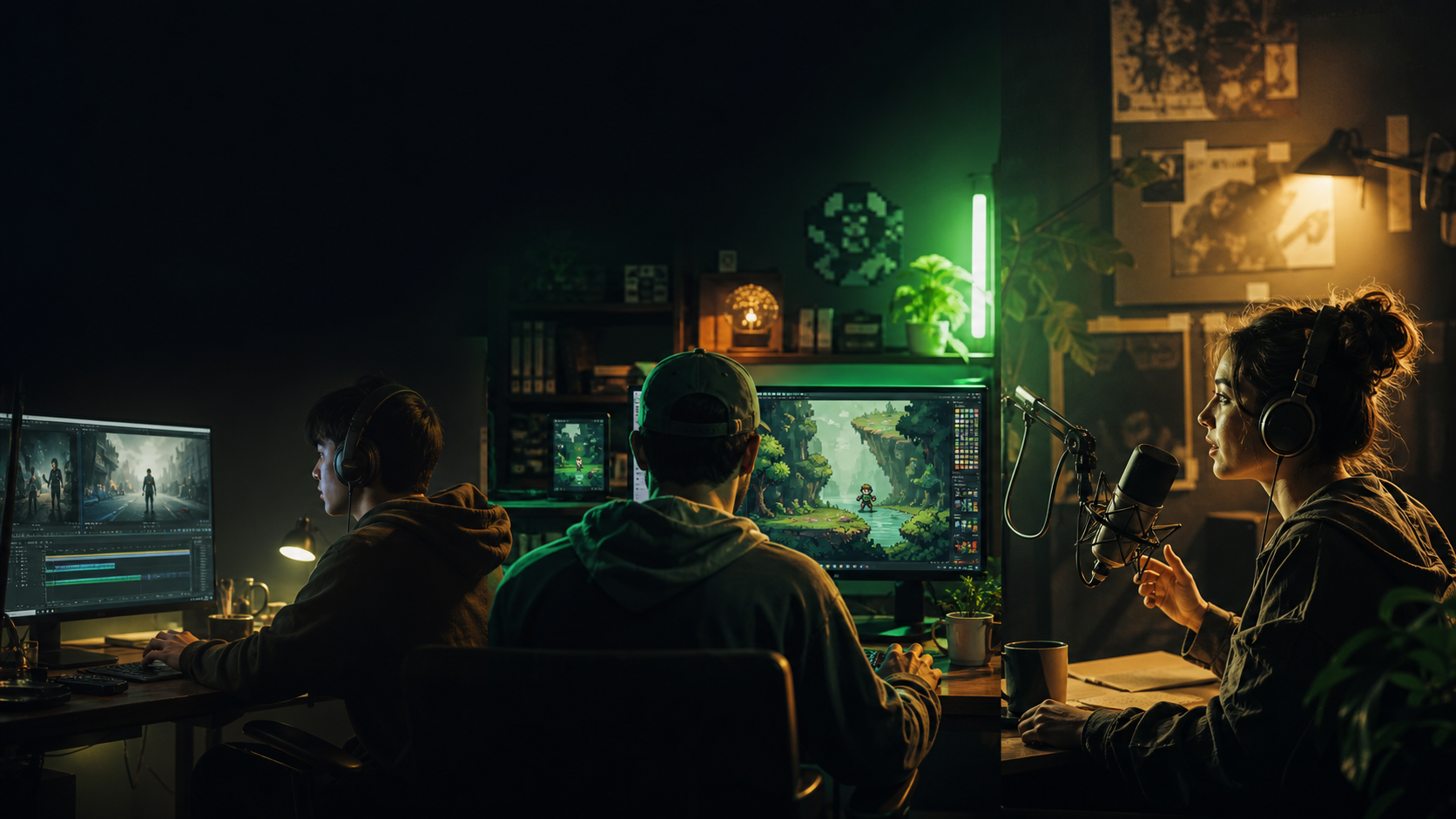
Projects need different kinds of music. The AI music generator helps you move from a blank timeline, level, episode, or lyric sheet to something you can evaluate. Describe the job clearly, and the first draft gives you something concrete to react to.
The challenge
An edit can lose momentum when stock tracks feel generic or the wrong length.
With Song Art
Use an AI music generator for videos when stock tracks feel generic or the wrong length. Describe the edit's pace and emotional turn, then refine the track around that shape.
The challenge
A game may need loops for every mood, level, and boss fight without a large music budget.
With Song Art
Use the AI music maker for instrumental menus, exploration, boss encounters, ambient rooms, and loops. Describe the player's feeling and loop energy, then compare several themes.
The challenge
Finding the right intro, transition, and background bed can take longer than expected.
With Song Art
Create an intro, outro, transition, sonic logo, or background bed without searching a generic library. The AI music generator helps you test tone before it becomes part of the show or campaign.
The challenge
A lyric can look finished on the page but be hard to hear as a melody.
With Song Art
Use the AI song generator as a sketchpad. An AI music generator can help you bring a lyric to life, try another genre, or hear the harmony before you record or rewrite.
Here is what to know about using an AI music generator for songs, lyrics, instrumental tracks, audio projects, and early creative experiments.
An AI song generator is a practical AI music generator for turning a mood, genre, story, title, or lyric into a new musical draft. Song Art AI shapes those details into melody, rhythm, arrangement, and vocal or instrumental performance.
Song Art AI combines prompts, lyrics, style, instrumental controls, previews, and downloads in one workflow. The AI music maker gives beginners a simple first step while leaving room to make later versions more specific. The AI music generator stays useful as your brief becomes more specific.
Yes. Describe a scene, feeling, or practical need in everyday language, such as a calm piano bed for a tutorial or an electronic loop for a game menu. You do not need chords or notation. The AI music generator handles the technical first pass so you can focus on taste and context.
Song Art AI is free to start, so you can test the workflow before paying for more capacity. Credits, downloads, and commercial-use benefits depend on the current plan and terms.
Yes. You can use Song Art AI free online in your browser, describe a track, and listen without installing software. You may need to sign in, and free credits and output options depend on your plan.
The audio can support a video, podcast, game prototype, social clip, presentation, or songwriting demo. Listen in context, check the format, and confirm your plan covers publication.
Yes. Paste your own lyrics or ask for a draft, then add [Verse] and [Chorus] markers. The model interprets the words as a new performance, so phrasing may vary.
Yes. Turn on Instrumental for music without lead vocals. If you are looking for AI music generator instrumental tracks, this mode works well for background music, game loops, study playlists, and production sketches. Describe its role clearly.
Try pop, hip-hop, electronic, rock, jazz, cinematic, ambient, acoustic, and more. The AI music generator can use lyrics in the language that fits your project, although results vary by model and vocal style.
The free tier lets you try the AI music maker before paying for more capacity. Sign up, choose description or custom mode, and use the credits shown in the interface. Paid plans add generations and formats.
Yes. Paste lyrics you wrote or have permission to use, add a title and style, and choose vocals or instrumental output. The AI music generator can help you test cadence and melody; review pronunciation and phrasing.
It can be a useful loop starting point when you describe length, energy, and ending behavior. The AI music generator can help you explore the idea, but listen for the handoff and regenerate if the transition needs work.
Most tasks take a few minutes, although demand, model choice, and prompt detail affect timing. The interface shows task status. If the AI music generator misses the brief, change one or two clear details instead of adding unrelated instructions.
Commercial use depends on your Song Art AI plan, current terms, and rights to any lyrics or reference audio you provide. Review the applicable terms before releasing, licensing, or monetizing a track made with an AI music generator.
Each generation is a new model output based on your direction, not direct playback of a stock track. Similar ideas can still appear, and uploaded material keeps its original rights. Review an AI music generator result before publishing.
Use an AI music generator to turn a sentence, lyric, or instrumental brief into a track you can hear, compare, and develop. Start free with Song Art AI, then keep refining until the direction feels right.